
Reading the books
Haribol contains all of Śrīla Prabhupāda’s books, organised as the printed editions: book, canto or līlā, chapter, verse.
The home page has tabs: Books, Videos, Letters, Spoken, Index and Tools. On a phone you can also swipe left or right to move between them. When a book is added to the library, or a new version of the app is out, the bell at the top of the home page tells you.
How the library is organised
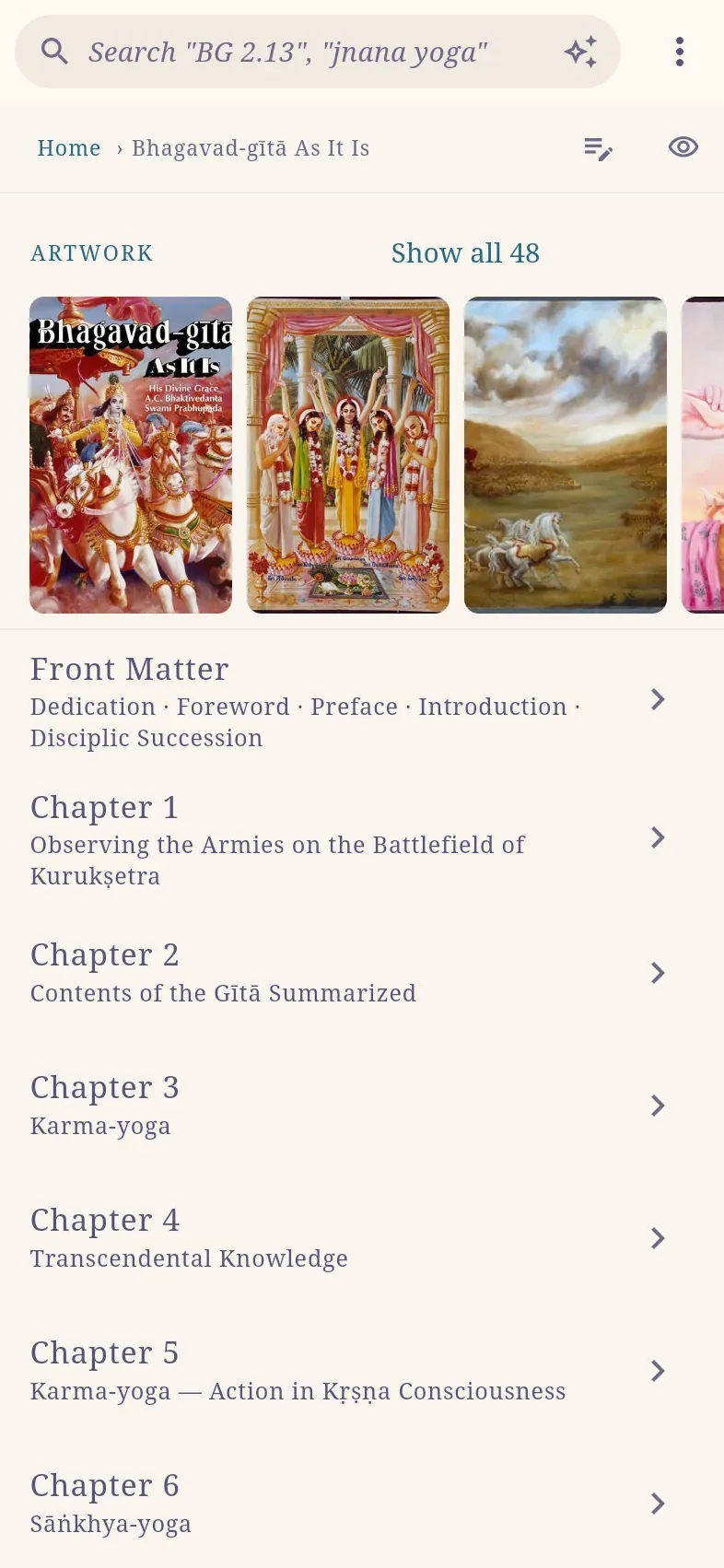
Section titled “How the library is organised”A book’s contents follow the printed book. Front matter (dedication, foreword, preface, introduction) is read as one page before the first chapter, and back matter (appendices, epilogue, glossary) as one page after the last.
| Book | Structure |
|---|---|
| Bhagavad-gītā | Eighteen chapters of verses. |
| Śrīmad-Bhāgavatam | Twelve cantos, each with its chapters. |
| Caitanya-caritāmṛta | Three līlās (Ādi, Madhya, Antya), each with its chapters. |
| Śrī Īśopaniṣad, The Nectar of Instruction | A list of verses. |
| Nārada-bhakti-sūtra, Mukunda-mālā-stotra | Open directly on all verses. |
| Prose books, such as Kṛṣṇa and The Nectar of Devotion | Each chapter is one page of text. |
A book’s paintings are shown on its contents page; select one to view it full screen.
Read a chapter as one page
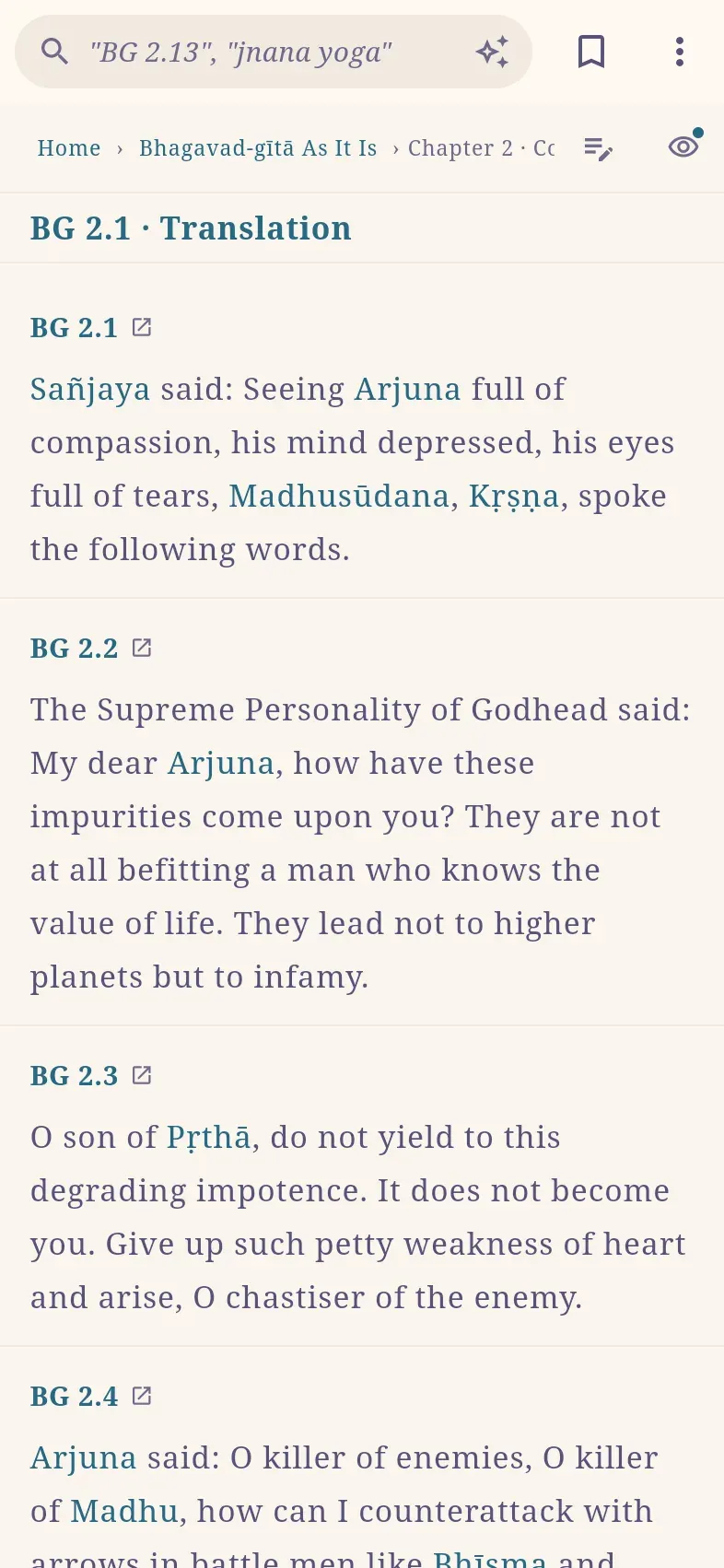
Section titled “Read a chapter as one page”A chapter opens with all its verses on one page. By default it shows only the translations, so a chapter can be read straight through. Add the Sanskrit, word-for-word meanings or purports in the view options; the chapter page keeps its own choice, separate from the verse page.
Select a verse number, for example BG 2.1, to open that verse on its own verse page. Only the number is a link, so the text can be selected and copied. A dot beside a verse number marks a verse you have a note on.
In Śrīmad-Bhāgavatam and Caitanya-caritāmṛta, each chapter begins with a Chapter Summary. It is collapsed; select it to read it.
Move through a book
Section titled “Move through a book”Pages follow the book’s reading order: front matter, chapters, back matter.
| Device | Previous / next chapter or verse |
|---|---|
| Phone | Swipe right / left. On a verse page, swiping stays within the chapter. |
| Computer | The ← and → keys, or the buttons at the bottom of the page. On a verse page these continue into the previous or next chapter. |
| Mac app | Also a two-finger sideways swipe on the trackpad. In a browser, this gesture is the browser’s Back and Forward. |
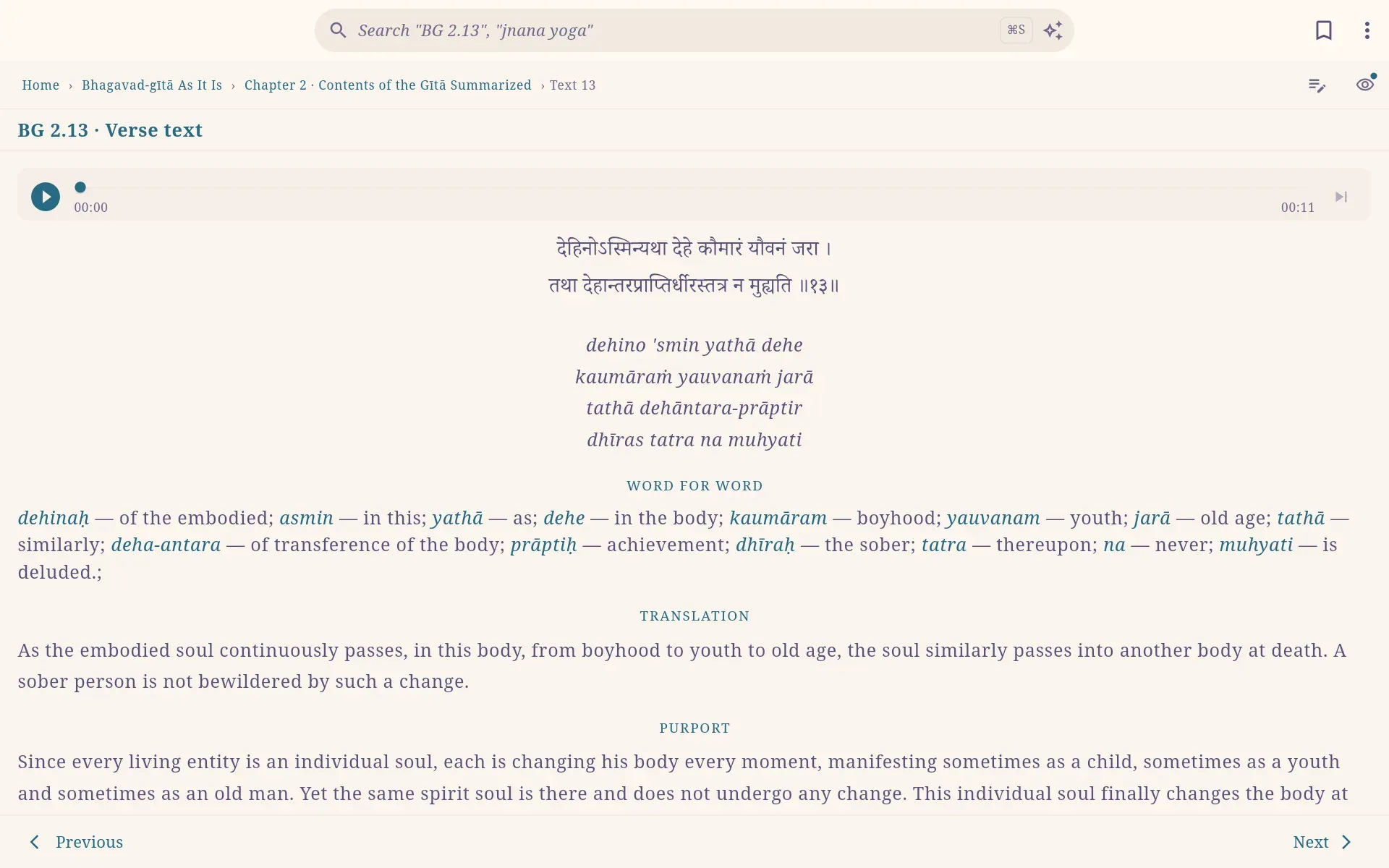
The sections you have chosen to show stay the same from chapter to chapter. Back returns to the page you came from, not through each chapter or verse you turned.
The breadcrumb trail under the title goes to any level above the page, for example the canto or the book.
Continue reading
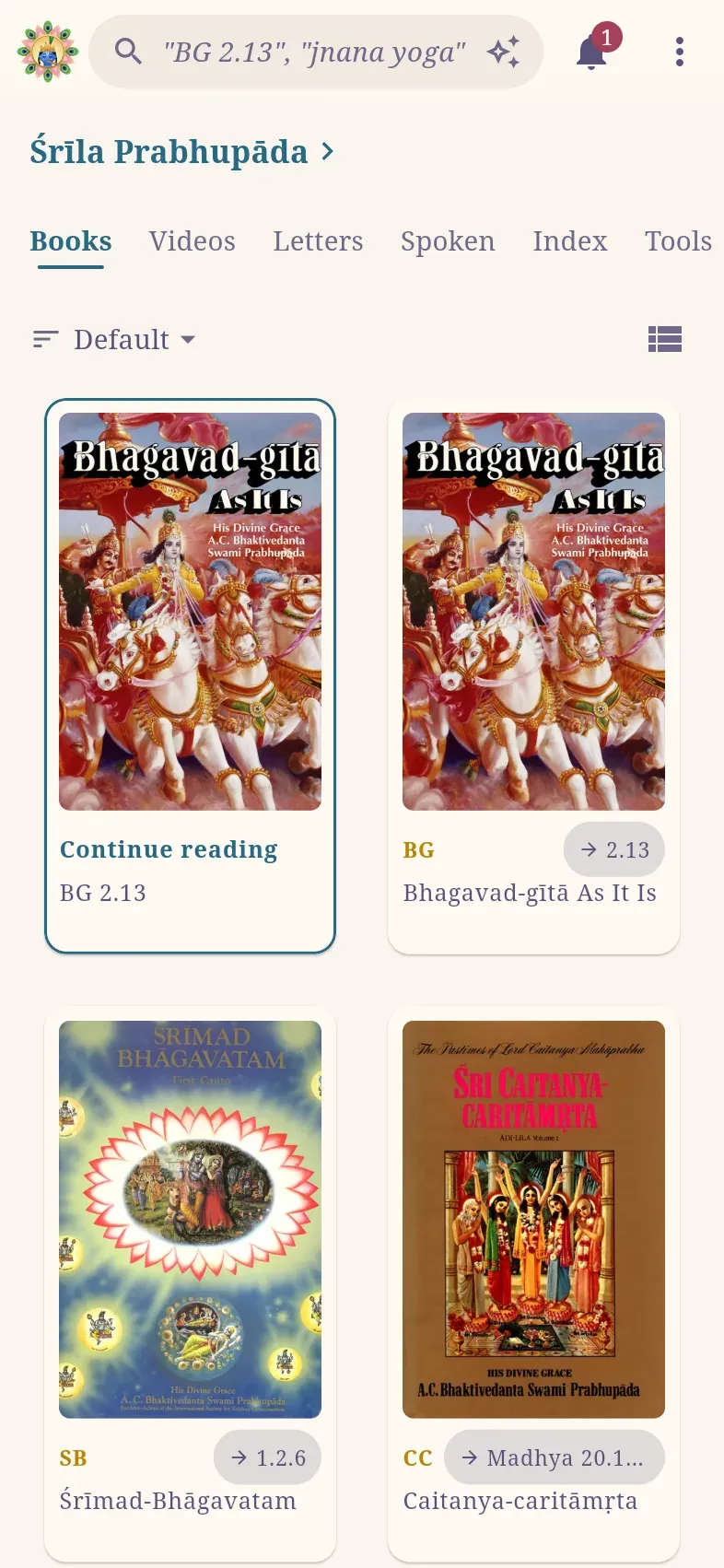
Section titled “Continue reading”Continue reading is the first card on the Books tab of the home page. It opens the last verse, chapter, letter or talk you read.
Each book you have started also shows a small button with an arrow and your last place, such as → 2.13. Select it to go straight there; select the rest of the card to open the book. A book’s own page has its own Continue reading, for the last place you read in that book.
Above the books you can sort them (Default, A–Z or Recently read) and switch between grid and list.
Page addresses
Section titled “Page addresses”In the web app, every page has an address that follows the book’s structure:
| Page | Address |
|---|---|
| Bhagavad-gītā | haribol.app/bg |
| Chapter 2 | haribol.app/bg/2 |
| Verse 2.47 | haribol.app/bg/2/47 |
| Śrīmad-Bhāgavatam 1.2.6 | haribol.app/sb/1/2/6 |
| Caitanya-caritāmṛta Ādi 7.92 | haribol.app/cc/adi/7/92 |
| Kṛṣṇa, chapter 5 | haribol.app/kb/5 |
| Bhagavad-gītā, Preface | haribol.app/bg/preface |
| A Sanskrit word | haribol.app/dictionary/dharma |
- Edit a number in the address bar to go to another verse or chapter.
- The address follows you as you move from verse to verse.
- A language code in front opens the page in that language: haribol.app/de/bg/2/47 is the German Bhagavad-gītā.
To send a page, select ⋮ › Share link (phone) or Copy link (computer). When the Android app is installed, these addresses open in it. See Open haribol.app links in the app.