
Vaiṣṇava calendar
The Vaiṣṇava calendar lists the year’s festivals, the Ekādaśī fasts and the times to break them, the appearance and disappearance days of the ācāryas and associates of Lord Caitanya, and vows such as Cāturmāsya. Each observance has a page on how to observe it and where to read about it in Śrīla Prabhupāda’s books.
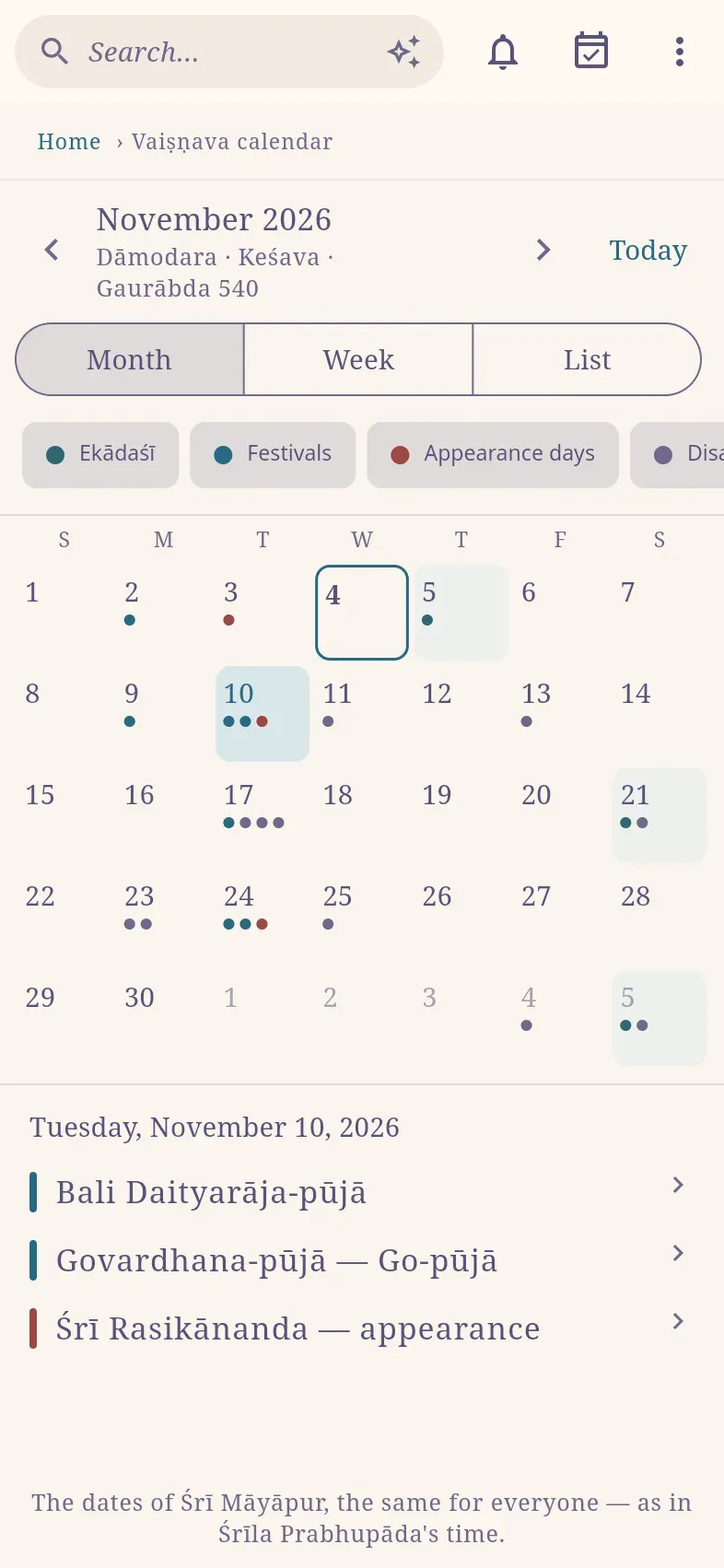
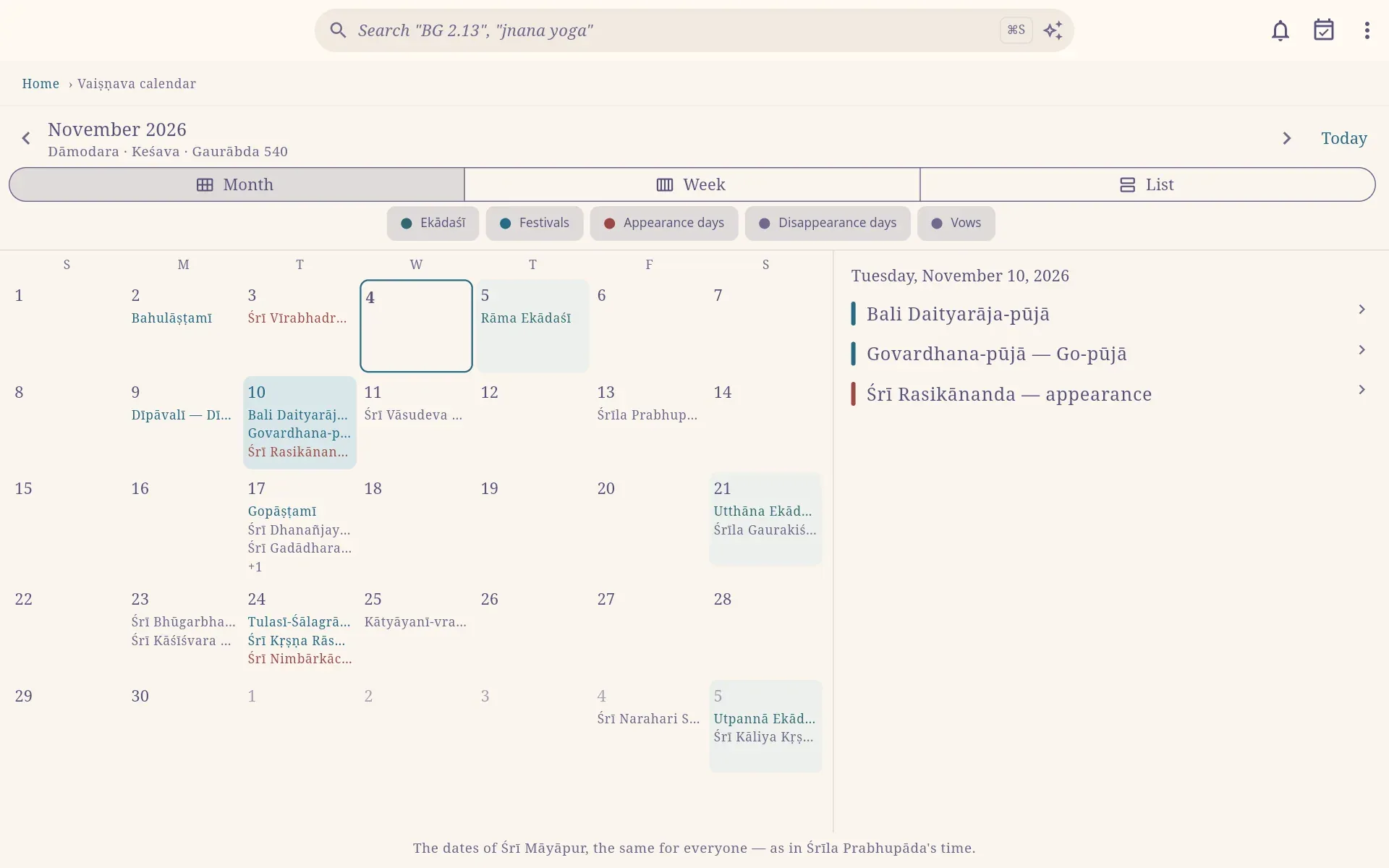
The calendar is on the home page under Tools (haribol.app/calendar), with month, week and list views. The chips above it show or hide Ekādaśī, Festivals, Appearance days, Disappearance days and Vows. Below the month’s name, the calendar shows the Vaiṣṇava months it spans (Viṣṇu, Madhusūdana … Govinda, and Puruṣottama in a year with an extra month) and the Gaurābda year.
Dates and times
Section titled “Dates and times”The dates are those of Śrī Māyāpur, as in Śrīla Prabhupāda’s time, when he had one list of holidays sent to every centre. The times are also Māyāpur’s: observe them by your local clock. If the calendar gives a break-fast window of 05:37–09:26, break the fast between 05:37 and 09:26 where you are.
The calendar contains only observances kept in Śrīla Prabhupāda’s time, together with his own appearance and disappearance days.
Ekādaśī and other fasts
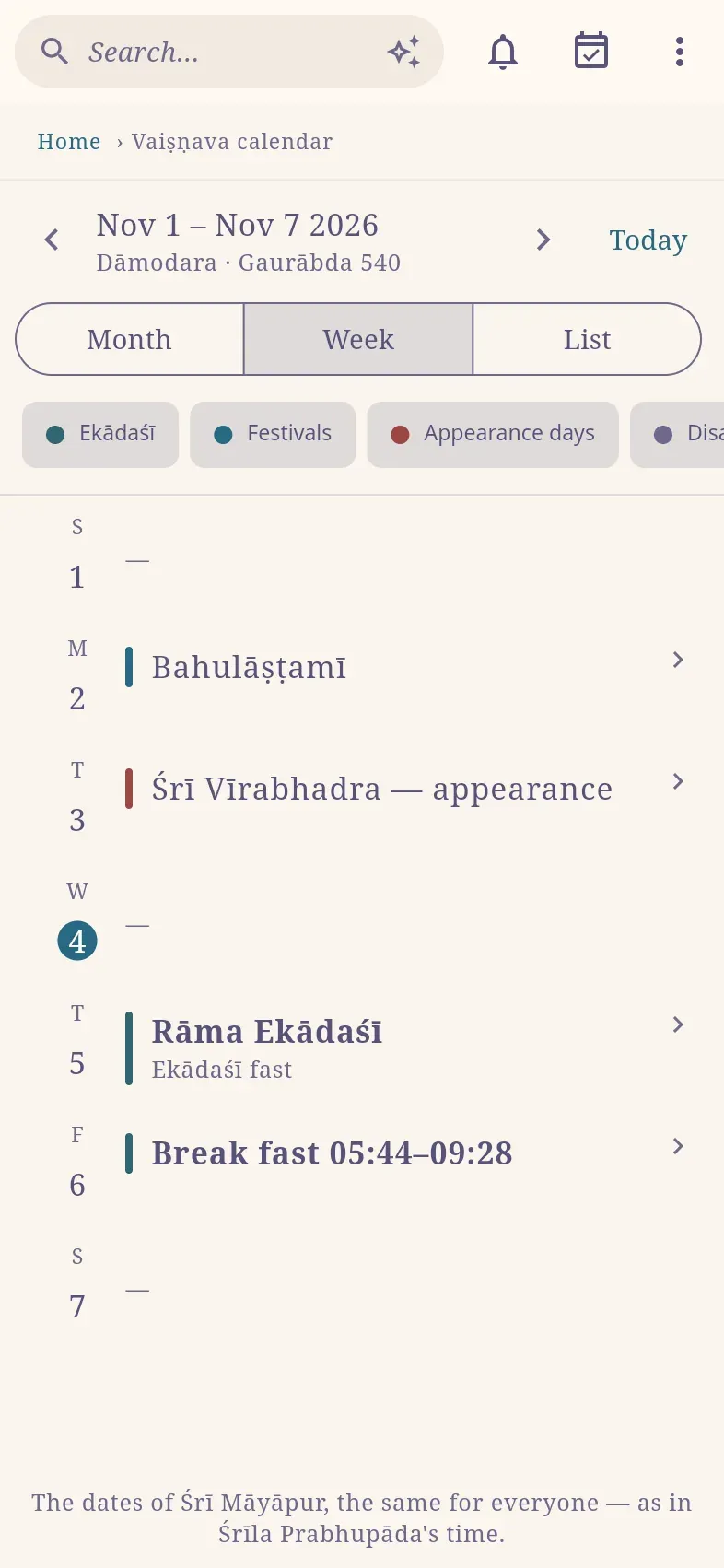
Section titled “Ekādaśī and other fasts”The morning after each Ekādaśī shows Break fast with the time window. On the eight special days on which the fast moves to Dvādaśī (Mahā-dvādaśī), the calendar indicates this.
Some observances have their own fast: until noon, sunset, moonrise or midnight. When such a day falls immediately after an Ekādaśī, its fast is kept on the Ekādaśī and the day itself is a feast day; the calendar shows this as well.
An observance’s page
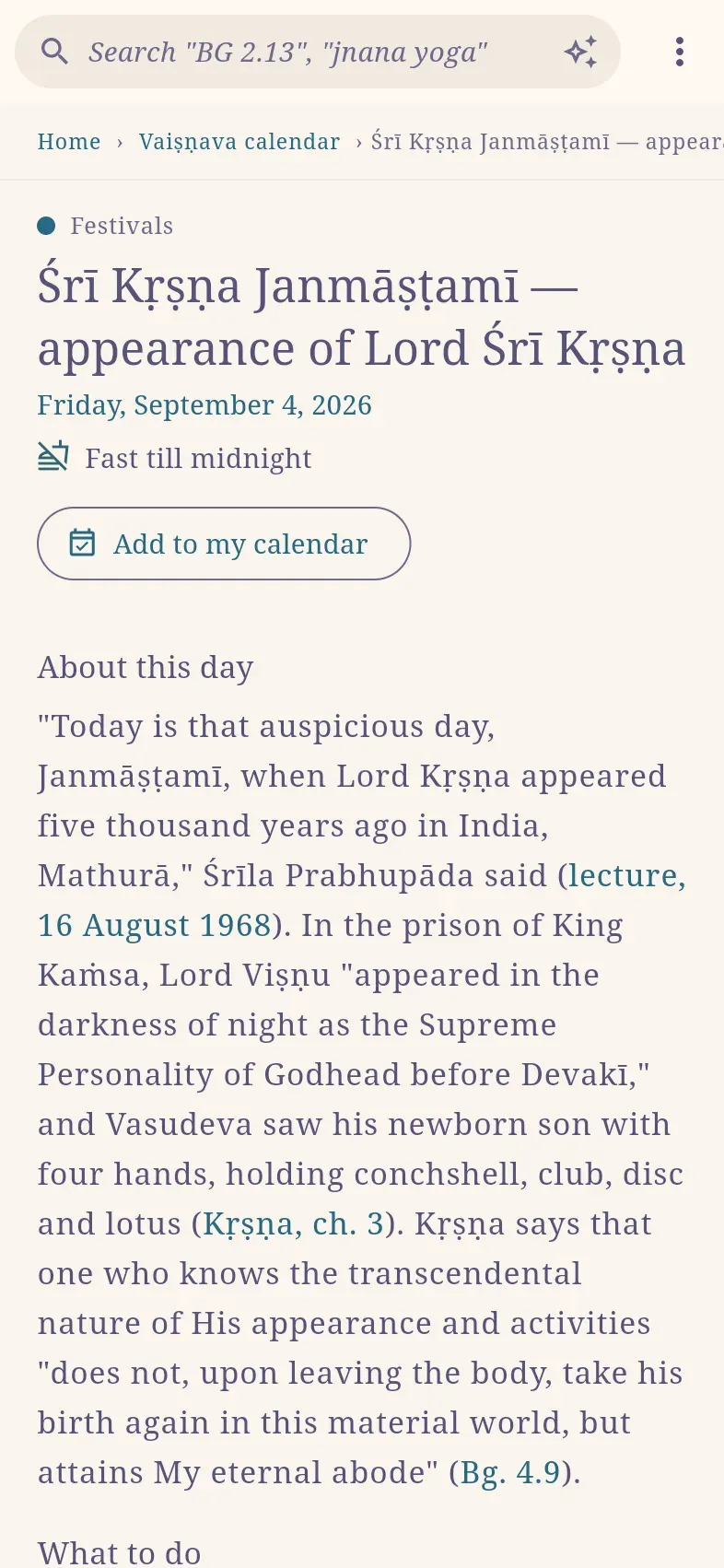
Section titled “An observance’s page”Each observance’s page contains:
- the day and its fast;
- a short description;
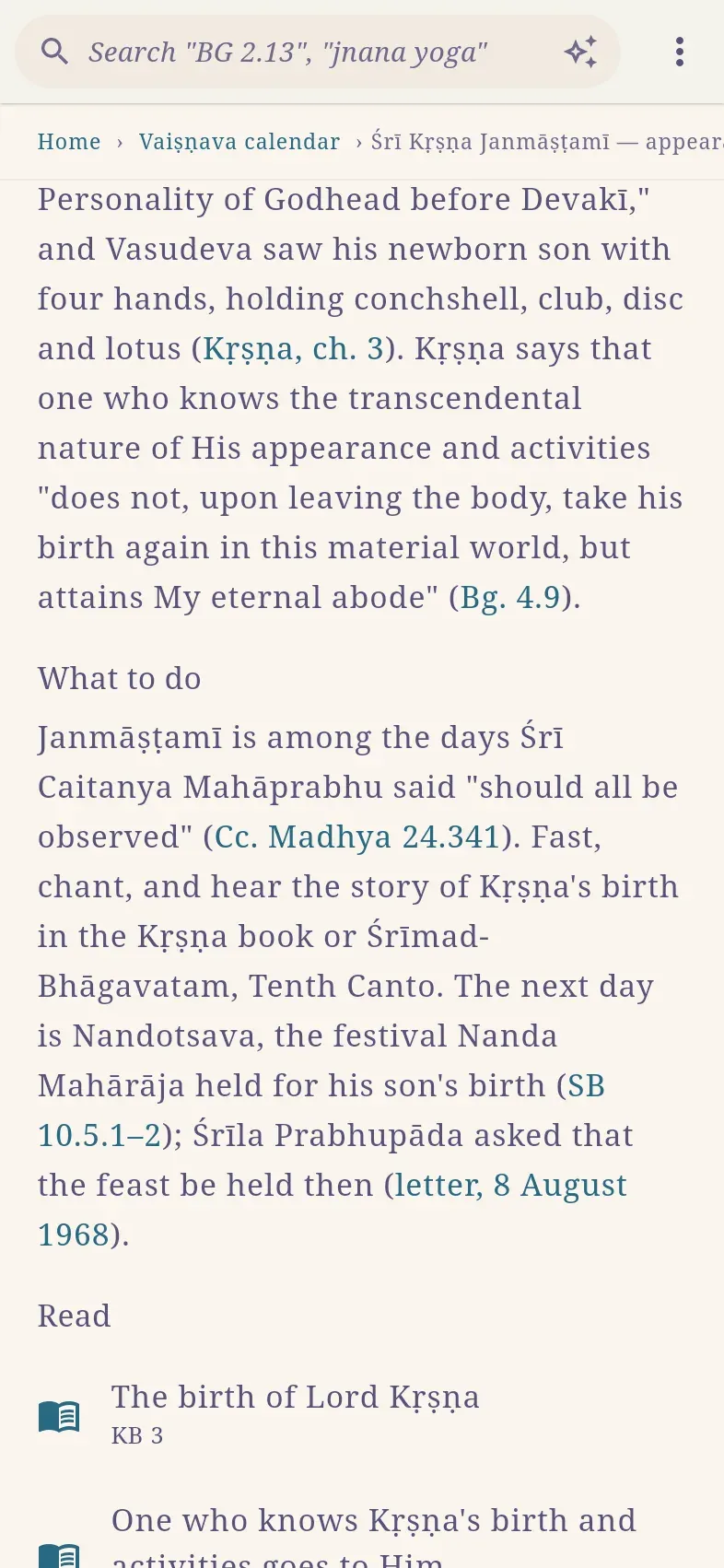
- What to do;
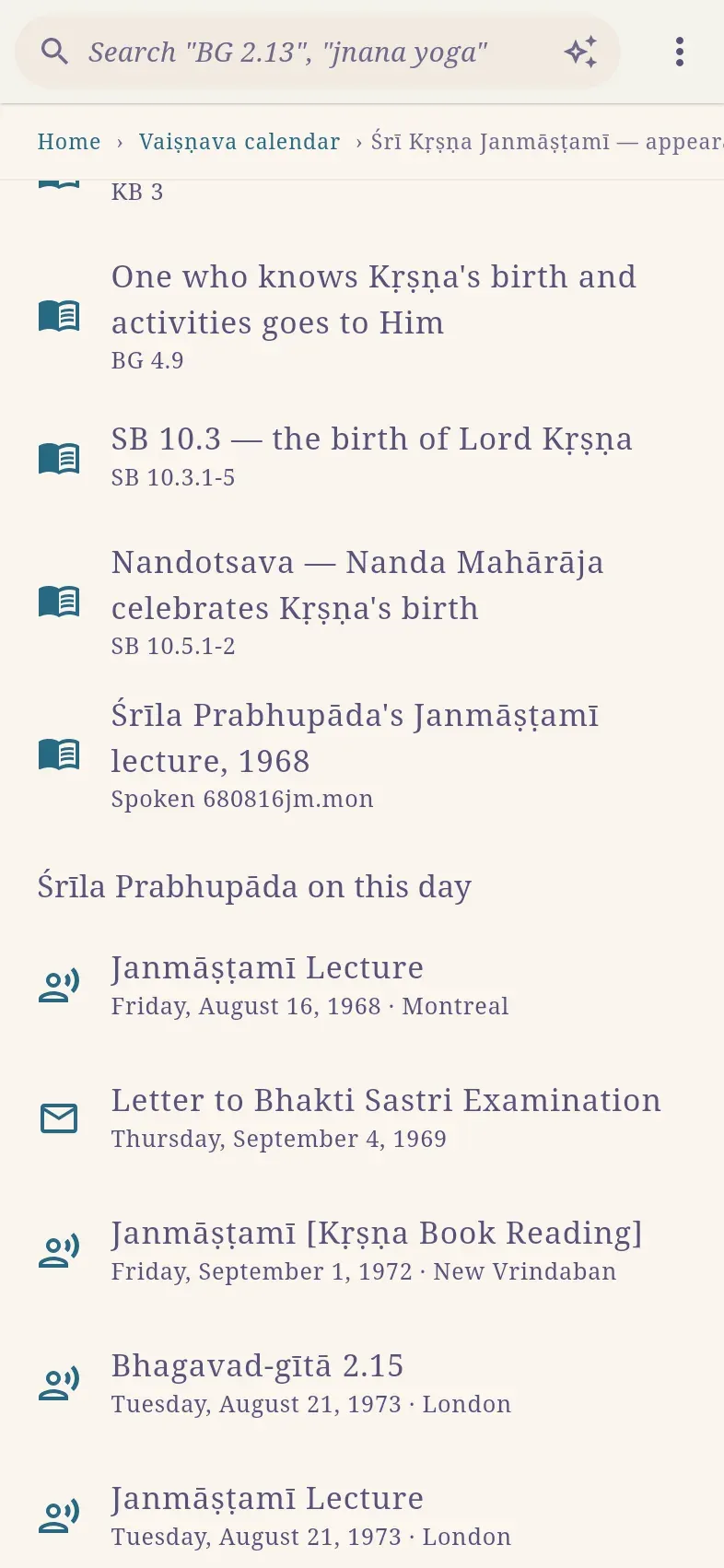
- Read: passages in the books, each opening at its place;
- Śrīla Prabhupāda on this day: his talks and letters from that date in the years 1966–1977, where available;
- Coming dates.
Subscribe in your calendar app
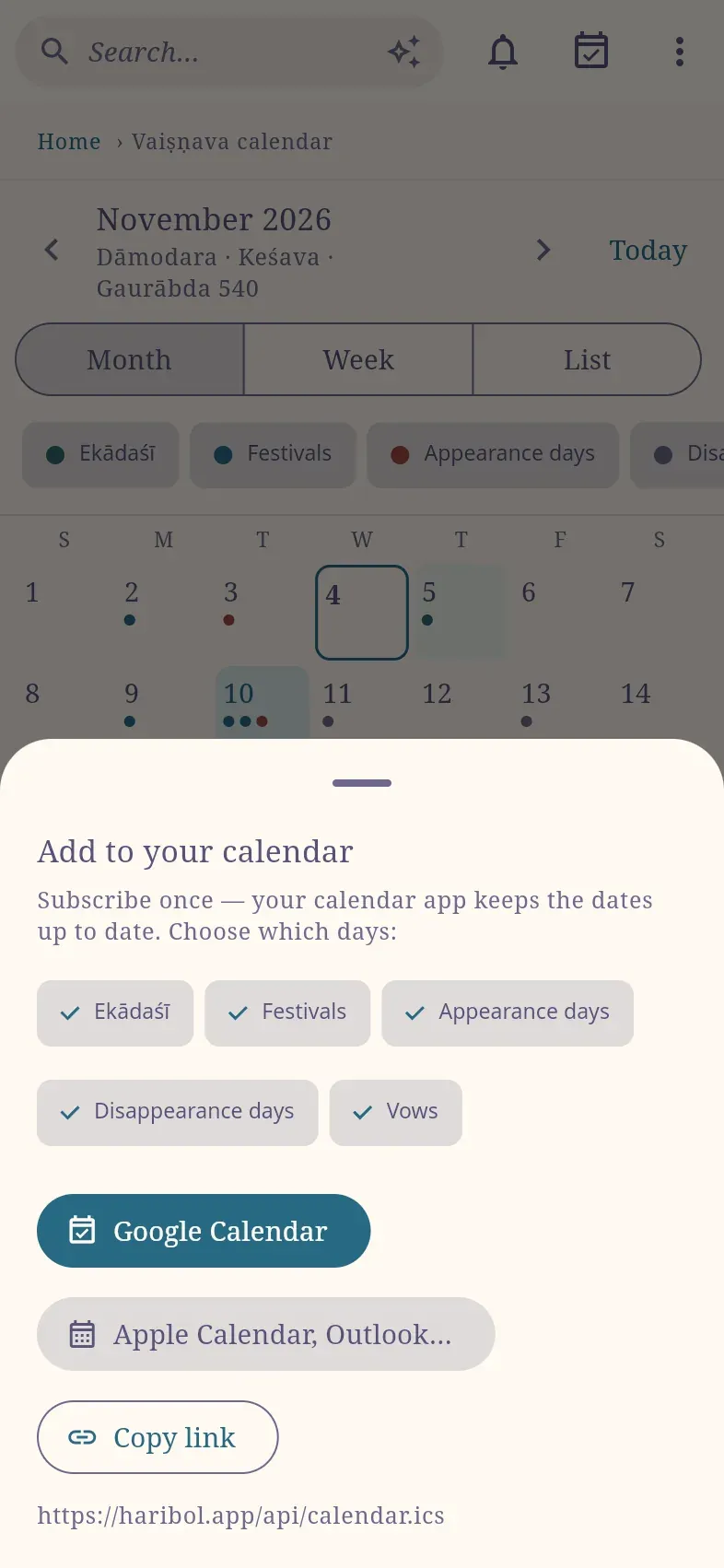
Section titled “Subscribe in your calendar app”- Select the calendar button at the top (Add to your calendar).
- Choose which kinds of days to include.
- Select Google Calendar or Apple Calendar, Outlook…. Copy link copies the subscription address for other calendar apps.
Your calendar app then keeps the dates up to date by itself. To add a single observance instead, select Add to my calendar on its page.
Reminders
Section titled “Reminders”The Android and Mac apps can remind you of observances.
- Select the bell at the top.
- Turn on Remind me.
- Choose which days, and when: The evening before (19:00), In the morning (06:00), When to break the Ekādaśī fast.
Reminders are scheduled on the device; nothing is sent to a server. The web app cannot send reminders; subscribe in your calendar app instead.