
AI search
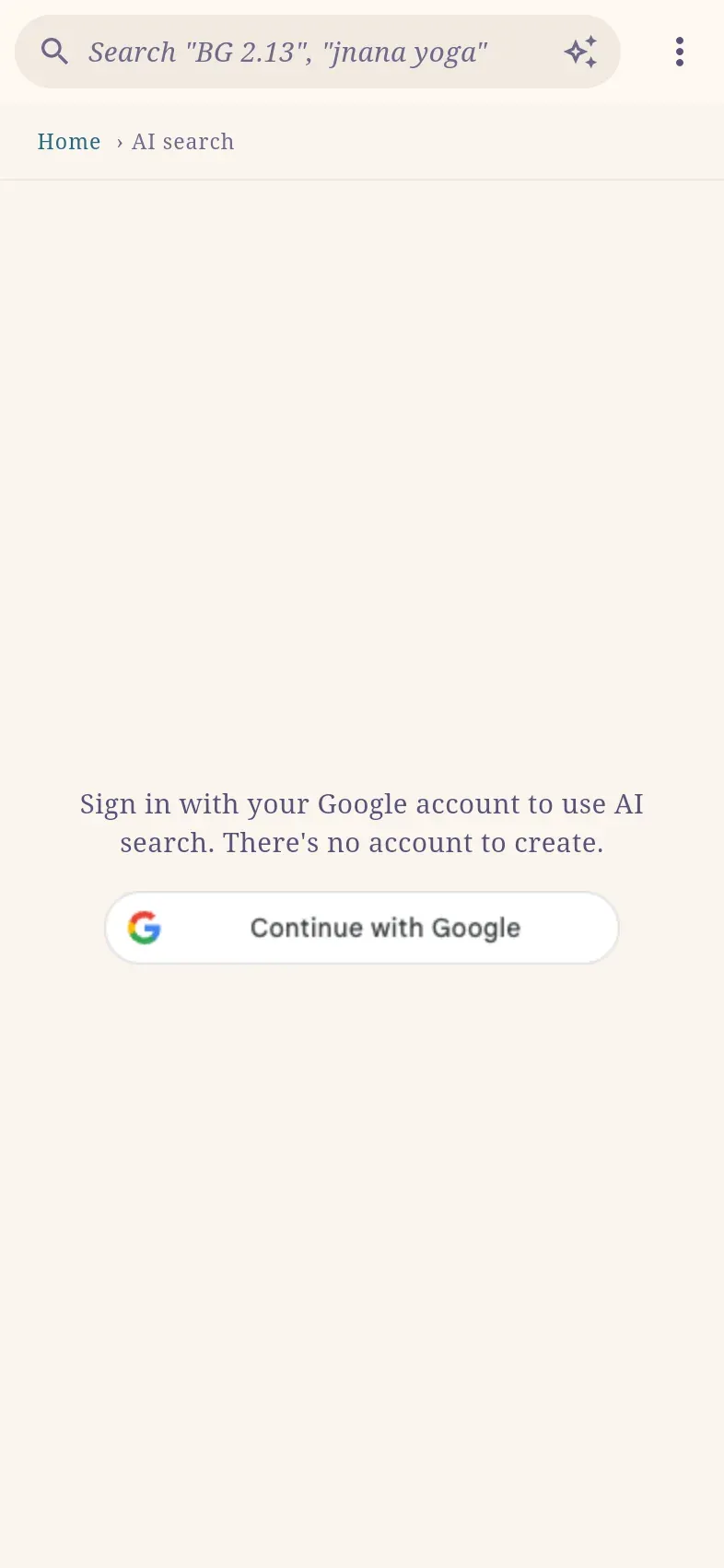
AI search answers a question from Śrīla Prabhupāda’s books, letters and talks. An answer consists mainly of quotations, each linked to the verse, letter or talk it comes from.
Requirements
Section titled “Requirements”| Requirement | Details |
|---|---|
| Account | Sign in with Continue with Google. See Account and sync. |
| Daily limit | 20 questions per day. The chat shows how many remain, for example 17 questions left today. |
| Language | Answers come from the English books, letters and talks. |
Ask a question
Section titled “Ask a question”- Select the sparkle button at the right of the search bar, open ⋮ › AI search, or go to haribol.app/ai.
- Enter your question and send it.
An answer typically takes about 30 seconds. To ask a follow-up, enter it in the same chat; earlier questions and answers in the chat are taken into account.
Ask from search
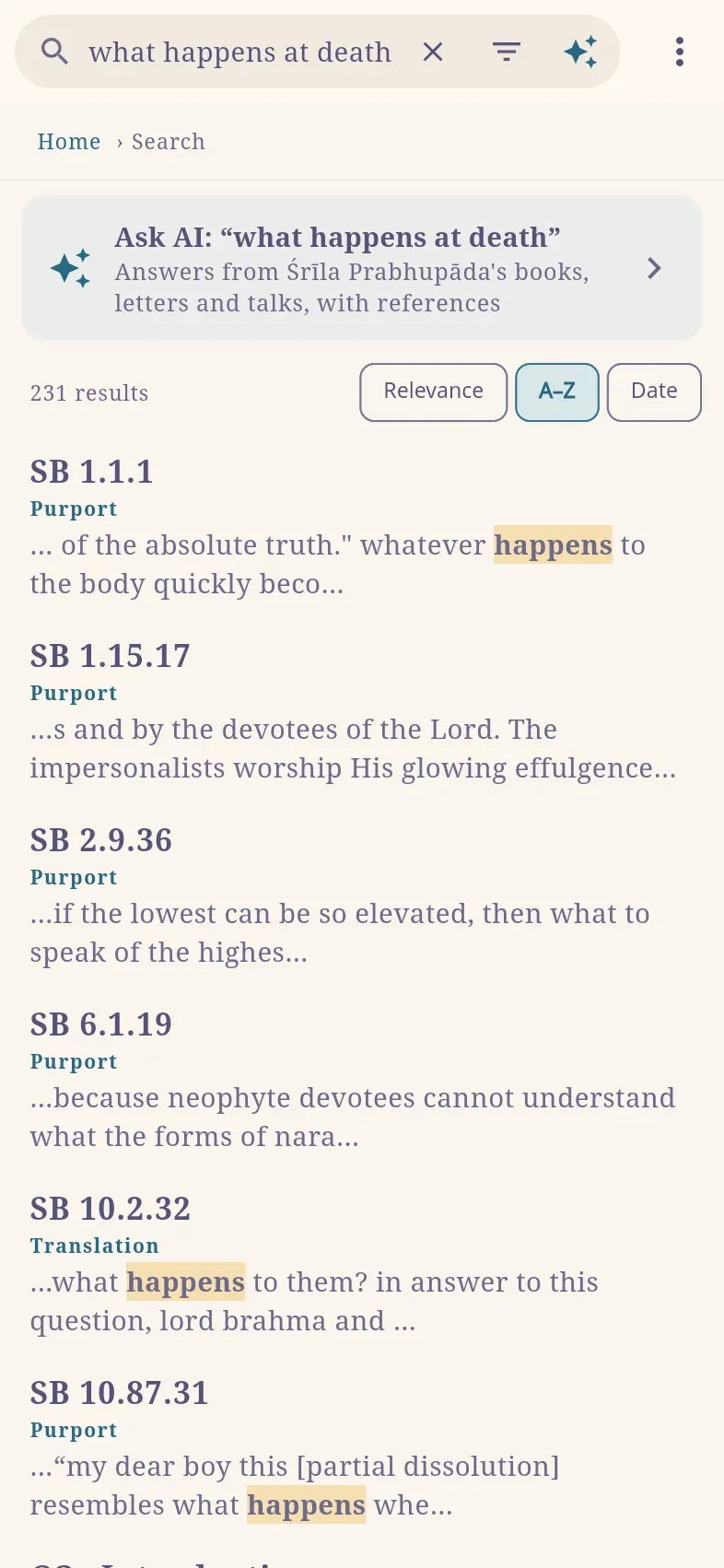
Section titled “Ask from search”In search, select Ask AI next to the search box. A section Ask AI: “…” with your search words appears above the results; select it or press Enter to open a chat with that question. The AI runs only when you open the section, not while you type. This also works when the regular search finds nothing, as is common with long questions.
What an answer contains
Section titled “What an answer contains”| Part | Content |
|---|---|
| Opening quotation | The sentence by Śrīla Prabhupāda that answers the question most directly. |
| Quotations | Passages, each with its source. The source opens the verse, letter or talk. In conversations, the speaker is named when it is not Śrīla Prabhupāda. |
| Places to read | Verses or chapters worth reading in full, each with a short description. |
| Connecting sentences | Short sentences written by the AI, each with the sources it is based on. |
| Explore further | Three or four follow-up questions to ask in the same chat. |
Text selected in an answer offers Note, Search and Copy with citation, as on a reading page.
How answers are checked
Section titled “How answers are checked”- Quotations are copied from the library, not written by the AI.
- Every source must exist and contain the quoted text, and every place to read must exist.
- Every sentence written by the AI must have a source.
- The AI never writes in Śrīla Prabhupāda’s name.
- If Śrīla Prabhupāda did not speak about the subject itself, the answer says so at the top, before the passages that come closest.
Save an answer as a note
Section titled “Save an answer as a note”Select Save as note under an answer. The note contains your question in bold, Śrīla Prabhupāda’s words as quotations with their sources as references, and the AI’s sentences in italics. Each cited verse then lists the note.
Leave while an answer is written
Section titled “Leave while an answer is written”A question is saved in the chat as soon as it is sent, and the answer arrives there even if you leave the page or close the app. If no answer has arrived after a few minutes, the chat says so; select Ask again.
Share a chat
Section titled “Share a chat”- Open the chat and select Share chat.
- Turn on Anyone with the link can read it.
- Select Copy link, or on a phone Share, and send the link.
Anyone with the link can read the chat without an account; your name is not shown. To continue the conversation, a reader selects Continue this chat and signs in; the chat is copied to their own chats and continues independently. Turning sharing off stops the link from working; copies already made remain with their owners.
Your chats
Section titled “Your chats”Your chats are listed under Previous chats on the AI search page and are stored in your account only. They are included in Download my data and are deleted with your account.
Privacy
Section titled “Privacy”Your question is sent to Google’s AI service in the EU (Frankfurt and the Netherlands) to produce the answer. The service does not store or log questions. Do not include names or personal details. See Privacy.