
Bookmarks and history
Bookmarks keep verses, chapters, letters and talks for later. Recents lists what you opened recently, and Continue reading returns to where you left off.
Bookmarks
Section titled “Bookmarks”The bookmark icon at the top of a verse, chapter, letter or talk adds it to your bookmarks; selecting it again removes the bookmark. To keep a particular passage rather than a whole page, select it and create a note.
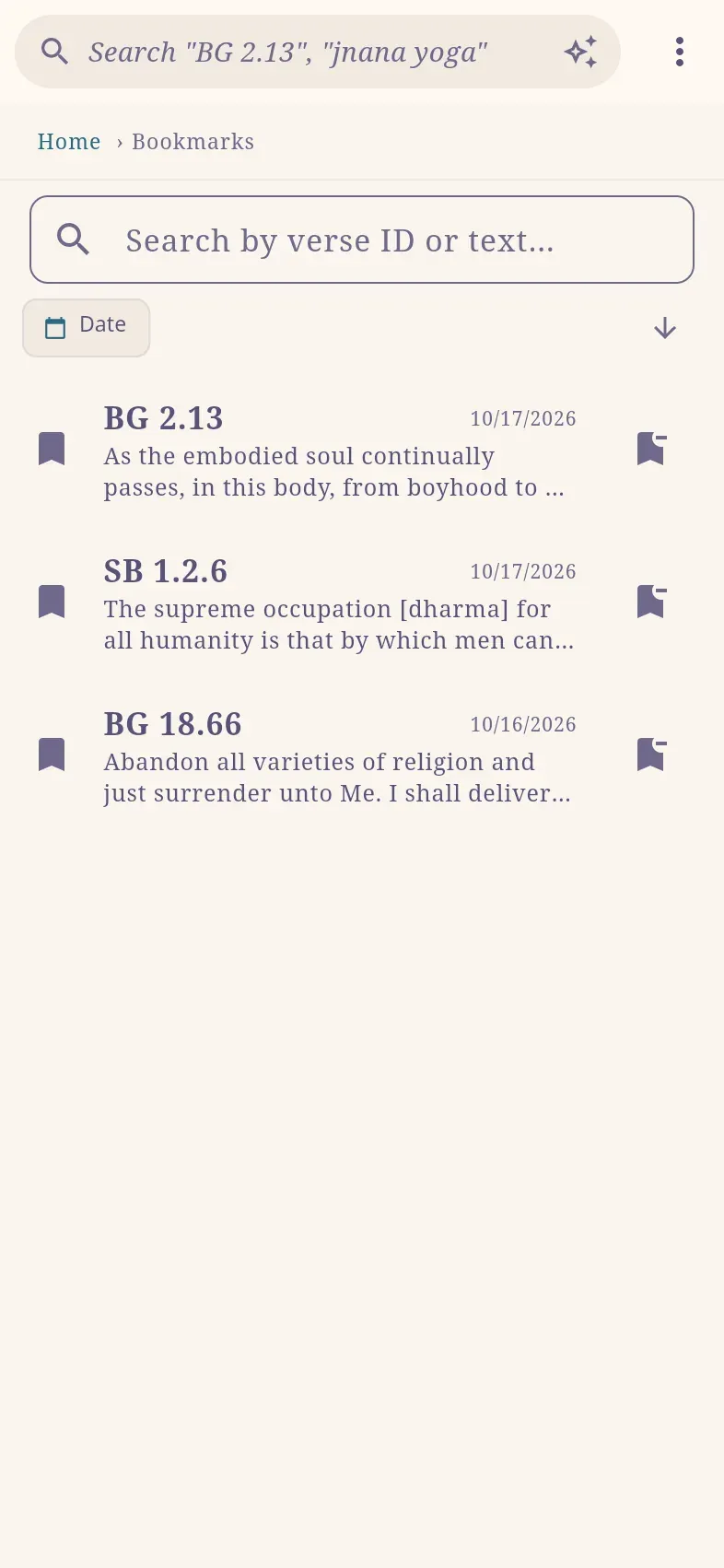
All bookmarks are at ⋮ › Bookmarks (haribol.app/bookmarks; ⌘B / Ctrl+B): chapters first, then verses, each with the beginning of its translation and the date it was bookmarked.
Recents
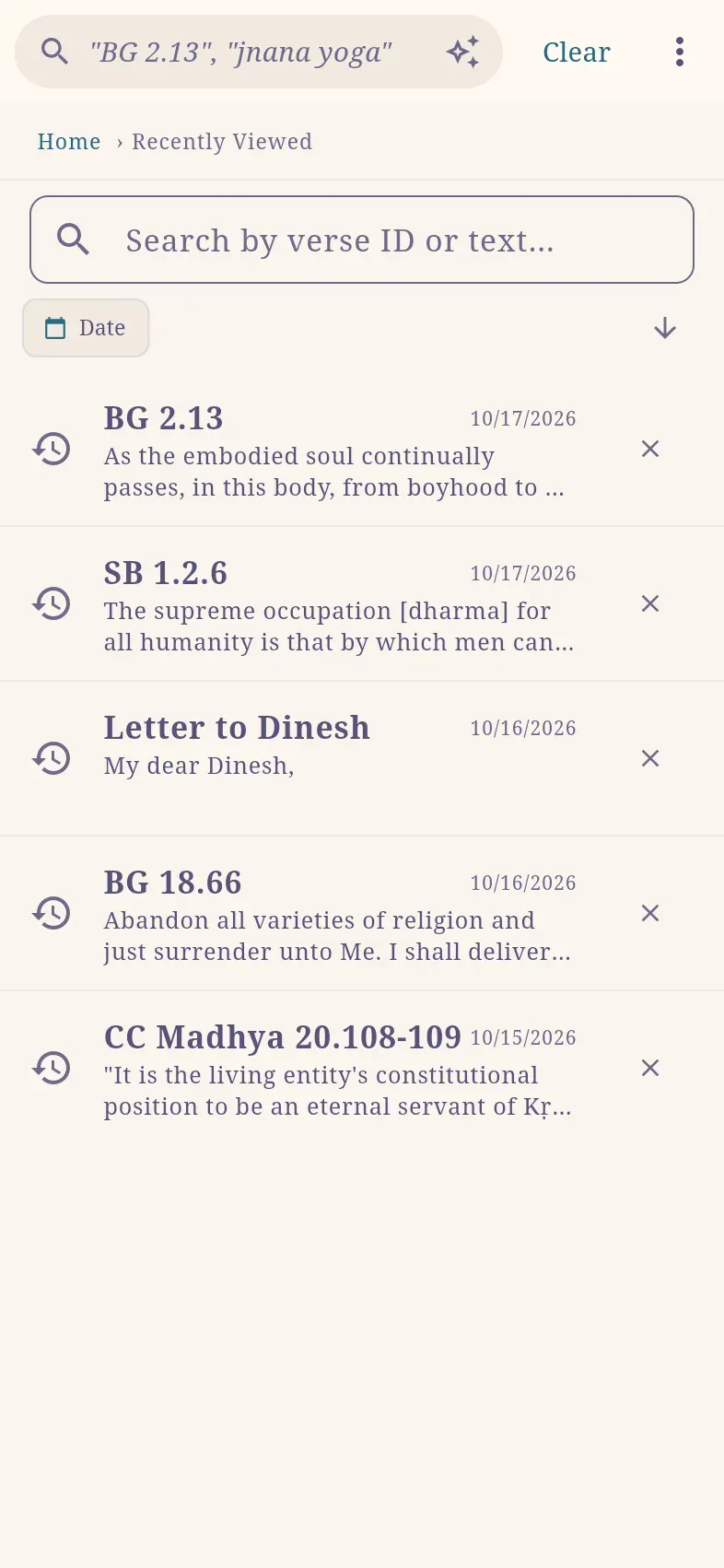
Section titled “Recents”⋮ › Recents (haribol.app/recents; ⌘R / Ctrl+R) lists the last 30 verses, chapters, letters and talks you opened, with the time of each visit. Clear empties the list.
Search and select
Section titled “Search and select”Both lists can be searched by verse number or by words from a verse’s translation or purport, and Date limits them to a time period.
Long-press an entry to select several. With a selection:
| List | Actions |
|---|---|
| Bookmarks | Copy selected copies the verse numbers and translations; Delete selected removes the bookmarks. |
| Recents | Create note from selected starts a note listing the selected references, each with the beginning of its translation; Remove selected removes them from the list. |
Continue reading
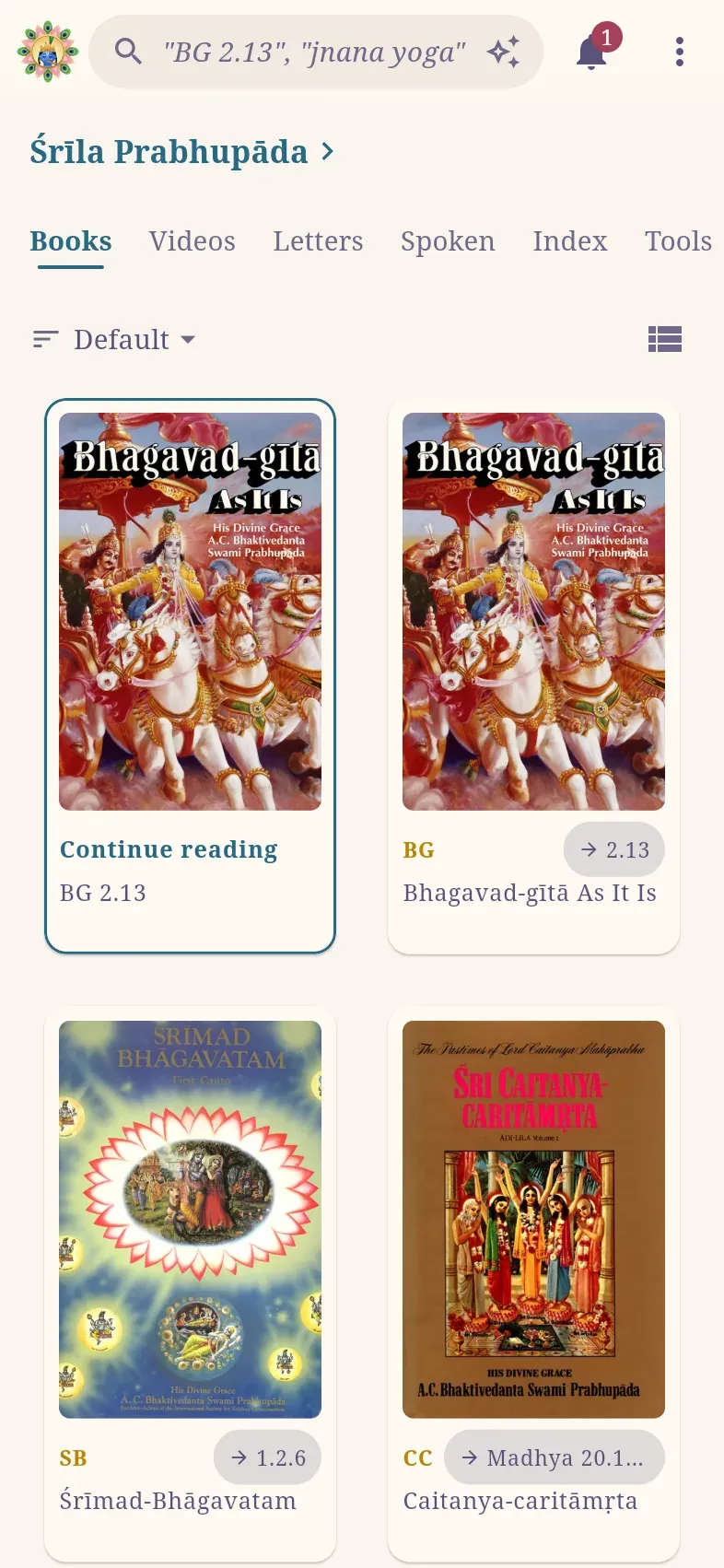
Section titled “Continue reading”Continue reading, the first card on the Books tab of the home page, opens the last verse, chapter, letter or talk you opened. Each book you have started also shows a button with your last place in it, such as → 2.13. A book’s page, and a canto’s or līlā’s page, offer Continue reading for the last place read in that book or part.
When you are signed in, bookmarks and history are also stored in your account and appear on your other devices.