
Account and sync
Reading, searching and writing notes do not require an account. Signing in adds:
| Feature | Details |
|---|---|
| Sync | Notes, bookmarks and reading history on every device where you are signed in. |
| AI search | Requires an account. See AI search. |
| Community | Public notes, and following other readers, whose public notes then appear on the pages you read. |
Sign in
Section titled “Sign in”Signing in uses a Google account. You must be at least 16 years old.
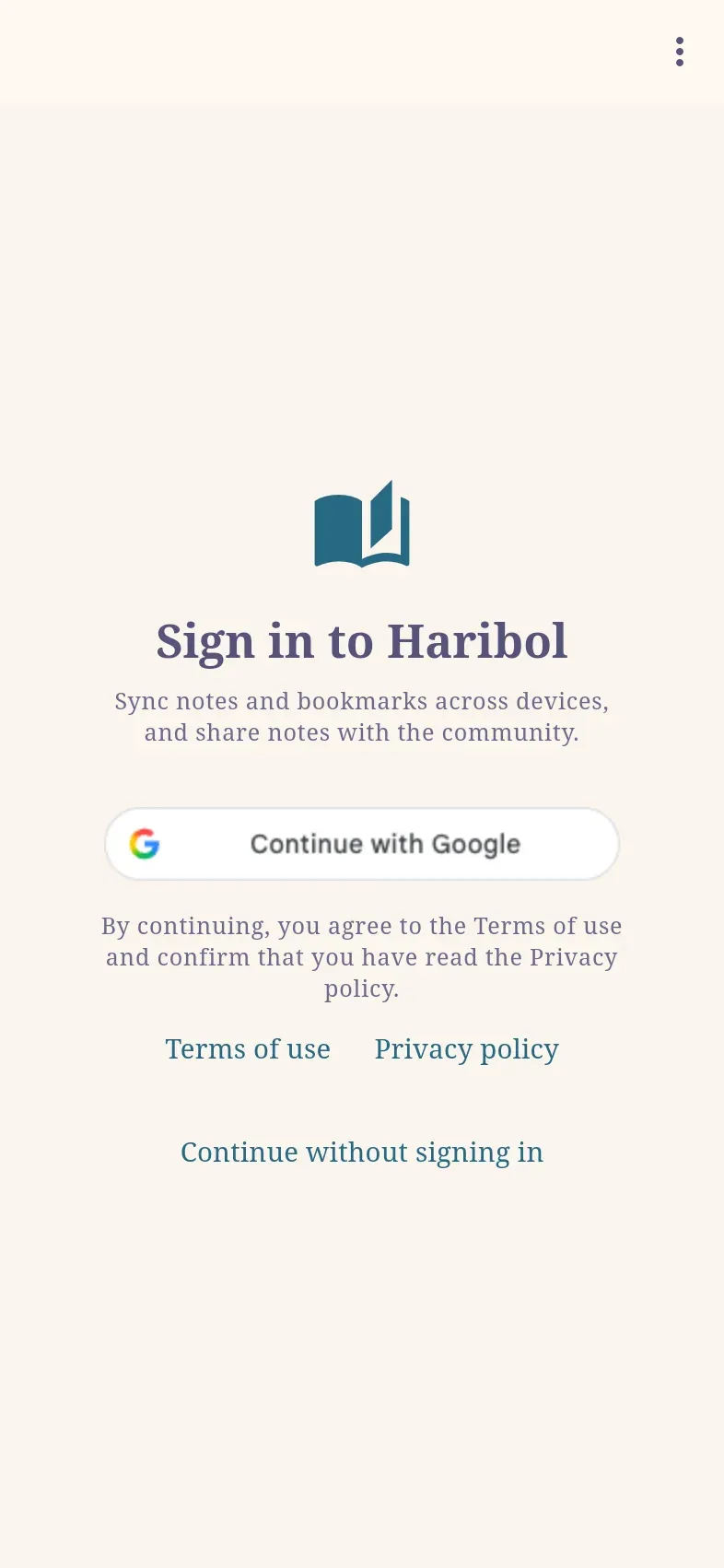
- Select ⋮ › Sign in (haribol.app/signin).
- Select Continue with Google and choose your account. In the Mac app, the browser opens briefly and then returns to the app.
- On first sign-in, choose a Username and a Display name. Location and About are optional.
Your profile, your public notes and the people you follow are visible to anyone, including people who are not signed in. All other notes remain private.
⋮ › My Profile (haribol.app/profile) is where you edit your profile, sign out, and download or delete your data.
What syncs
Section titled “What syncs”Notes, bookmarks and reading history (Recents) sync between all devices where you are signed in. Notes and bookmarks created before signing in are added to your account.
Changes are saved on the device first, so the app works offline; changes made offline are sent when the connection returns. If a note was changed on two devices, the more recent change is kept.
Follow other readers
Section titled “Follow other readers”Open Community (in the ⋮ menu, or on the home page’s Tools tab), select Find people, find a reader and select Follow. Their public notes then appear on the pages they refer to, alongside your own, and on the Community page under Following.
A profile shows how many followers the reader has and how many people they follow. Select either number to see the people; switch between the two lists at the top.
To let others find and follow you, select Share profile on My Profile. On a phone this opens the share sheet; on a computer the link is copied.
Download your data
Section titled “Download your data”On My Profile, under Your data, select Download my data. The file haribol-data.json contains everything stored for your account: profile, notes, bookmarks, reading history, the people you follow and who follows you, and your AI search chats.
Delete your account
Section titled “Delete your account”- On My Profile, under Your data, select Delete account.
- Review what will be deleted, then select Delete permanently.
This deletes your profile, your synced notes, bookmarks and reading history, your AI search chats and the list of people you follow. Notes you made public are removed for everyone. Notes and bookmarks on the device you are using remain on it.
An account can also be deleted at haribol.app/account/delete, after signing in with it.